How to set up Inquiry Form on Single Service Page?
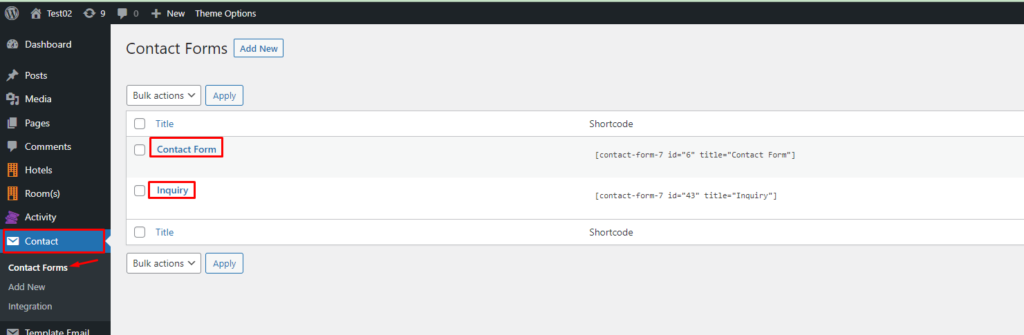
Go to Contact > Contact Forms, choose the Inquiry which is used on Single Service page
Form Templates
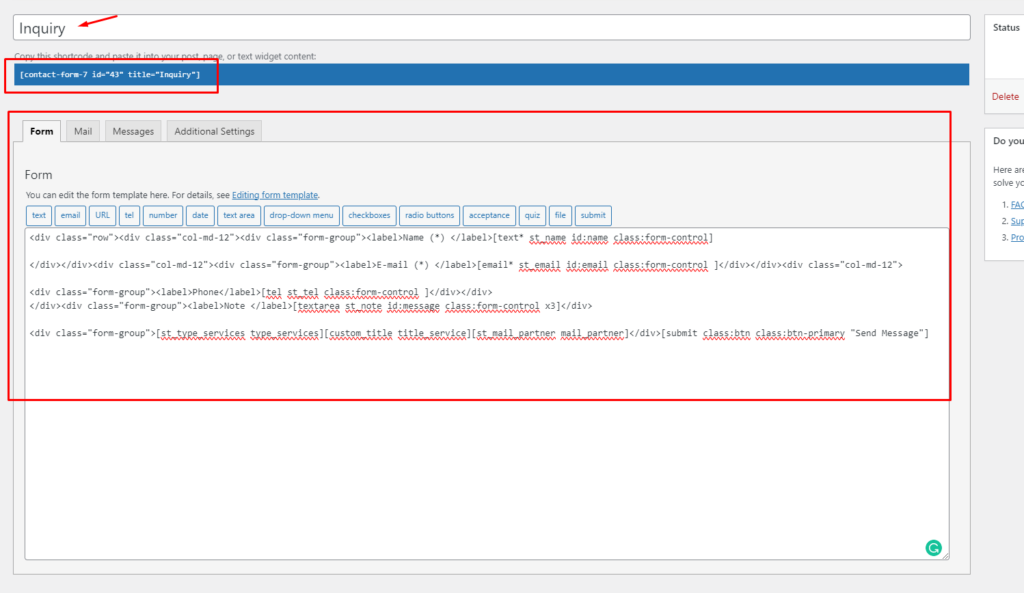
On Form tab, you can edit any contact form template you want
You can copy the HTML code which is designed by Traveler Theme. This template match Mod style
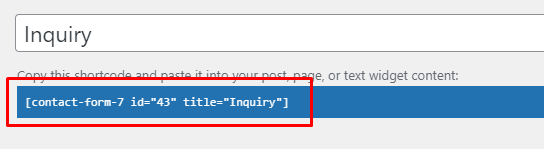
Remember to copy this shortcode and paste it into the shortcode widget. Here is the example of short-code:
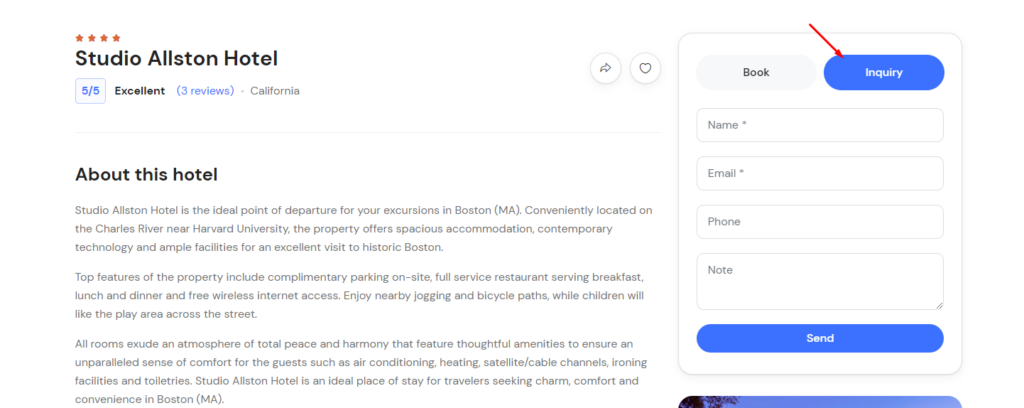
How to put Inqiury Form Shortcode to the Single Service Page:
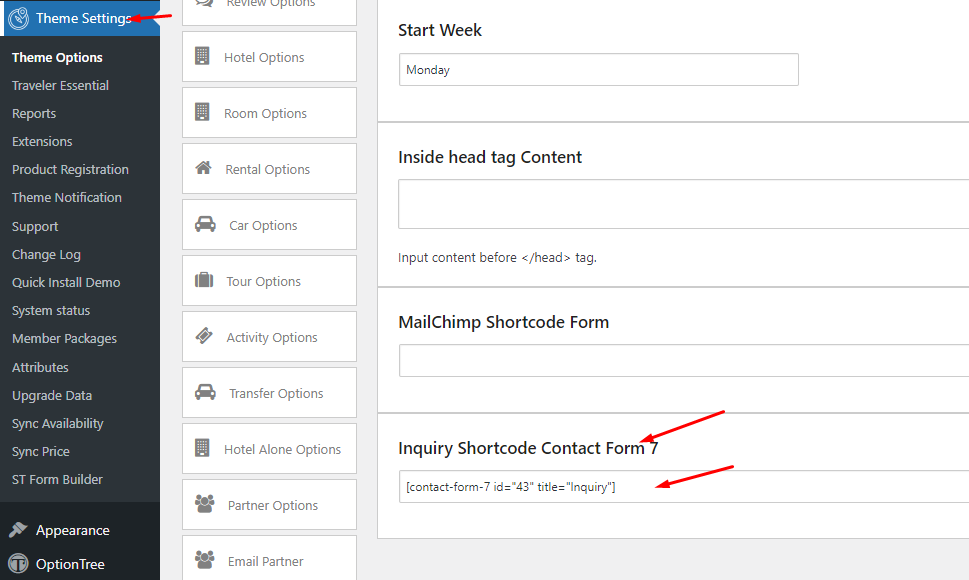
Go to Theme Settings > Advance Option> Inquiry Shortcode Contact Form 7
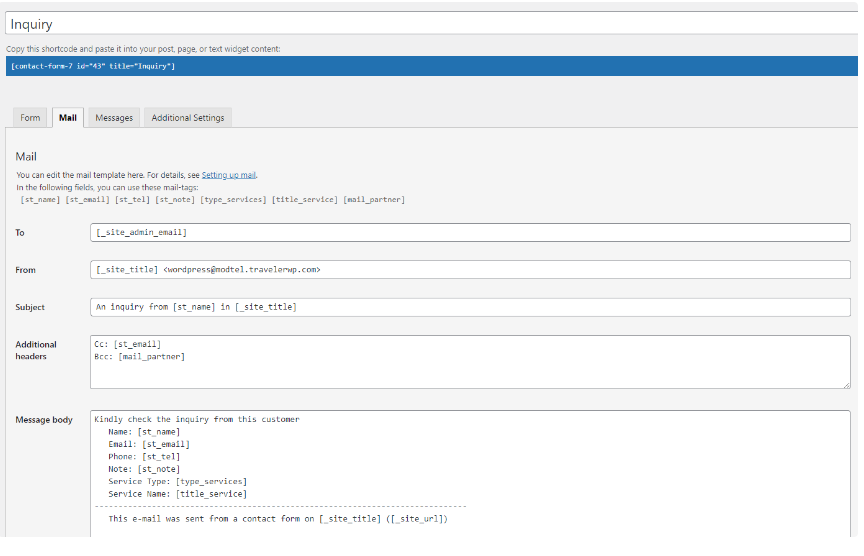
Mail Templates
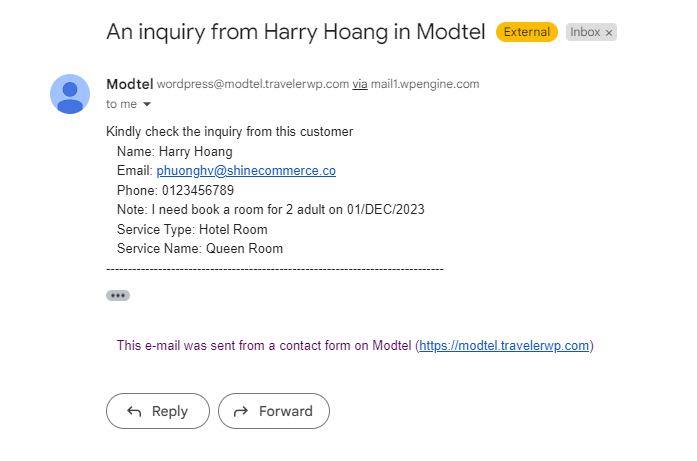
On Mail tab, you can edit mail template you want. This email is sent to admin and partner. You can use these mail-tag to create mail template[st_name][st_email][st_tel][st_note][type_services][title_service][mail_partner]